
Download Medlin Payroll Software – payroll software, small business payroll, employee payroll, payroll management, payroll processing, pay stubs, tax filing, check printing, MICR, HR software, business tool
Overview
Medlin Payroll Software is a specialized business tool designed to streamline payroll management for small and medium-sized enterprises, as well as payroll service providers. The software aims to simplify the often complex and time-consuming process of employee compensation, tax filing, and pay stub generation. By offering a transparent pricing model with no monthly or per-employee fees, it presents a cost-effective solution for organizations seeking predictable budgeting in payroll operations. The application is built for users who require a reliable, on-premise system without recurring subscription costs, making it particularly suitable for businesses that prioritize financial control and data privacy.
Target users include small business owners, bookkeepers, and payroll administrators who manage payroll in-house. The software supports core payroll functions such as wage calculation, tax withholding, and compliance with federal and state regulations. Real-world use cases include monthly payroll processing, year-end tax reporting, and generating employee pay stubs. Its focus on MICR check printing also makes it a practical choice for businesses that issue paper checks to employees. In the broader business software ecosystem, Medlin Payroll Software fills a niche for organizations seeking a one-time purchase solution with long-term cost savings and full control over their payroll data.
Key Features & Functionality
- No Monthly Fees: Unlike many cloud-based payroll platforms, Medlin Payroll Software operates on a one-time purchase model. This eliminates recurring subscription costs and per-employee charges, offering long-term savings for growing businesses.
- User-Friendly Interface: Designed with simplicity in mind, the software features an intuitive layout that reduces the learning curve for users with minimal accounting experience. Navigation is streamlined, allowing users to access payroll functions with minimal clicks.
- 30-Day Trial and Refund Policy: Prospective users can explore the software’s full functionality for 30 days without financial commitment. The no-questions-asked refund policy further supports risk-free evaluation, enhancing user confidence in the product.
- MICR Check Printing: The software includes native support for MICR (Magnetic Ink Character Recognition) check printing, ensuring compliance with banking standards. This feature is essential for businesses that issue paper checks and need secure, bank-recognized documentation.
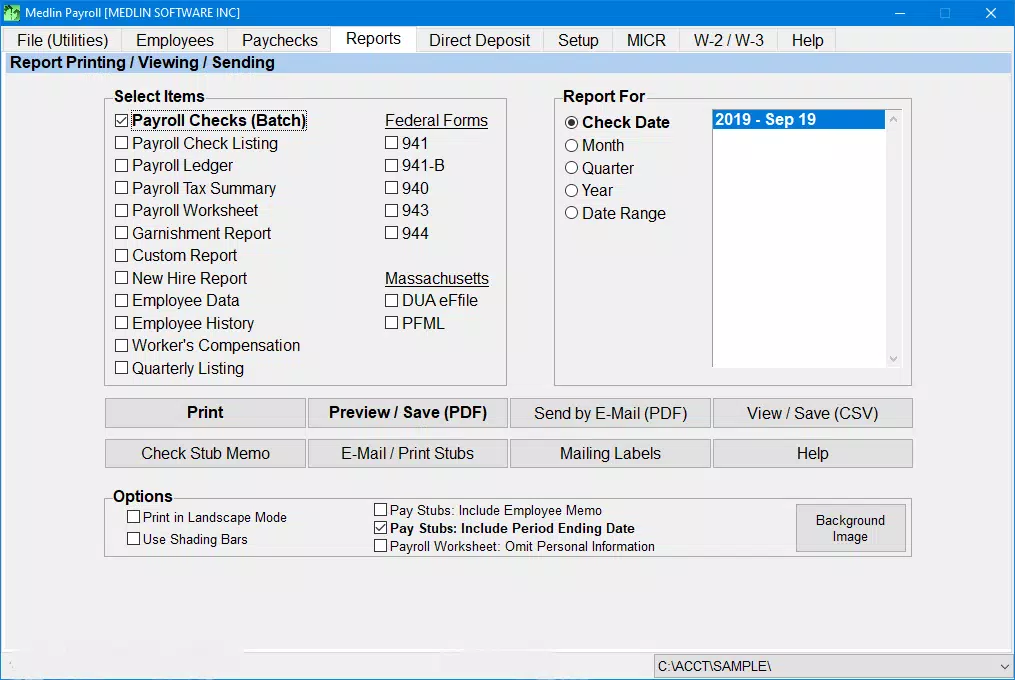
- Pay Stub and Tax Filing Support: Users can generate detailed pay stubs and prepare necessary tax forms for federal and state reporting. This helps maintain compliance and provides employees with transparent records of their compensation.
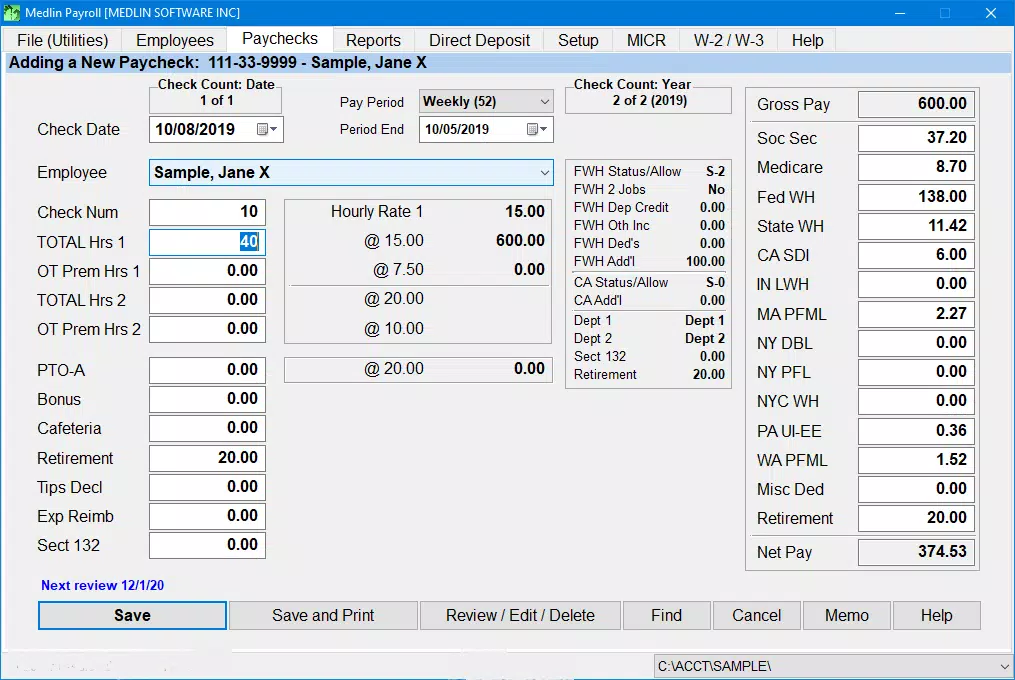
For example, a small business owner can input employee hours, calculate wages, apply tax withholdings, and print checks—all within a single workflow. The Administrator account requirement ensures that only authorized users can install fonts and configure check printing, enhancing system security.
Interface, UX & Performance
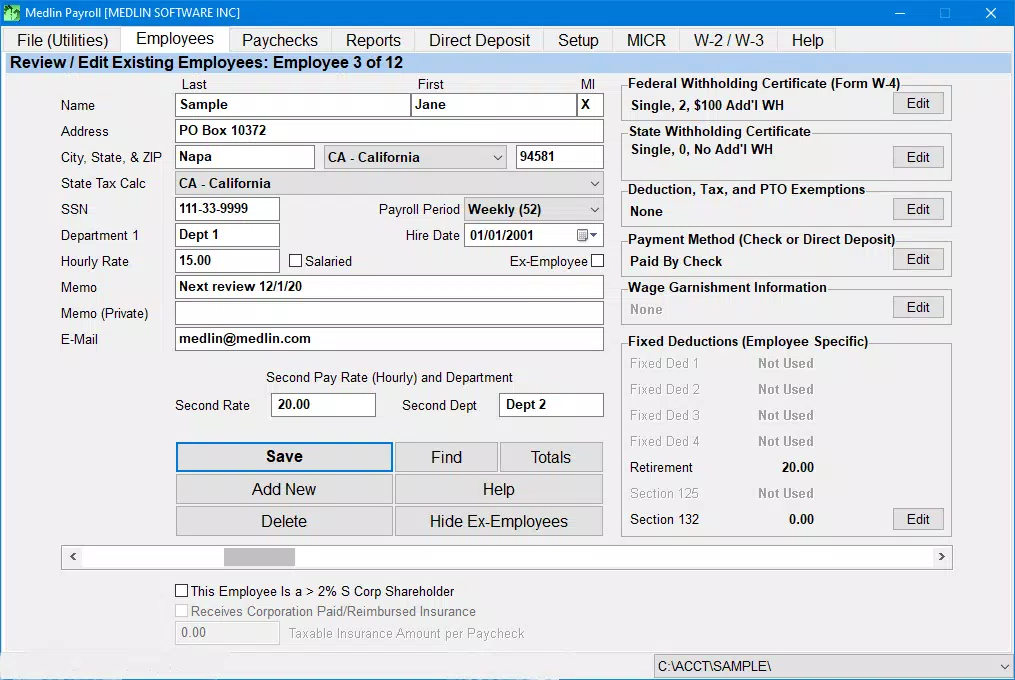
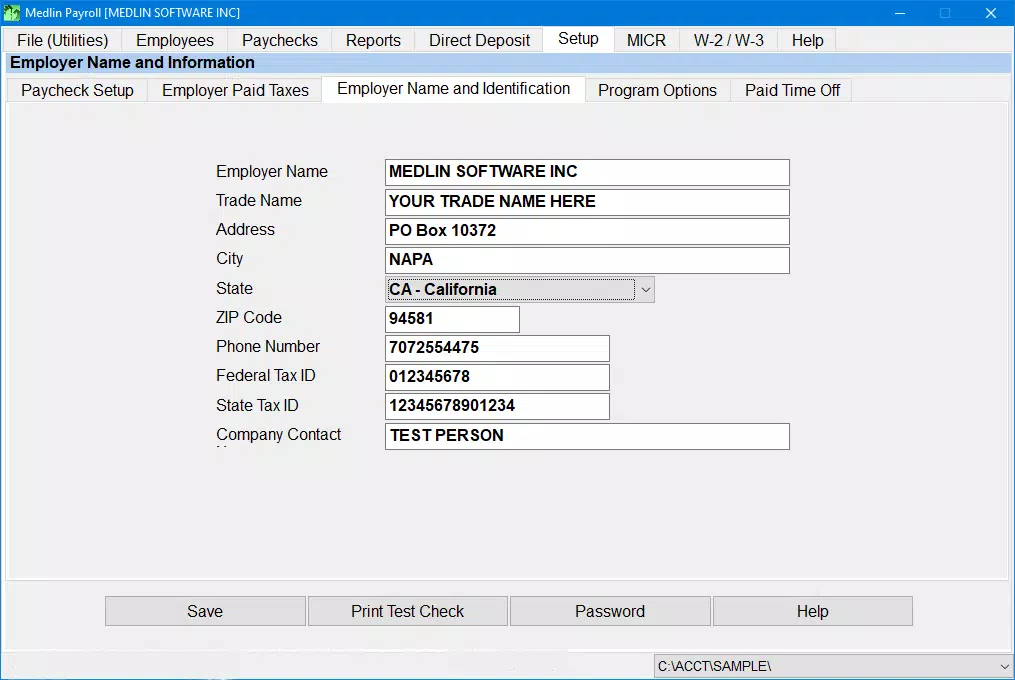
Medlin Payroll Software features a clean, desktop-oriented interface with clearly labeled menus and consistent visual hierarchy. The layout is optimized for Windows systems, offering a familiar experience for users accustomed to traditional desktop applications. Navigation is linear and predictable, allowing users to progress through payroll cycles with minimal confusion. Menus are logically grouped, and common tasks such as adding employees, processing payroll, and printing checks are accessible from the main dashboard.
Although the developer did not list formal performance metrics, the application is designed to operate efficiently on standard Windows hardware. Users can expect stable performance during typical payroll processing tasks, including data entry, calculations, and report generation. Responsiveness appears consistent across different screen sizes and resolutions, though specific device compatibility details were not disclosed. Stability is maintained through a single-installation model, reducing the risk of cloud-related outages or connectivity issues. The software does not require constant internet access, which enhances reliability for offline operations.
Platform Compatibility & Technical Requirements
Medlin Payroll Software is designed exclusively for the Windows operating system. It is compatible with modern Windows versions, though specific requirements were not listed. The application has a file size of 140 MB, which is relatively lightweight for a full-featured payroll tool. This size suggests efficient resource usage and quick installation times. The software version is 1.1.1, indicating a stable release with minor updates since its initial launch.
The developer did not specify minimum OS requirements, such as Windows 10 or Windows 11. Similarly, no details were provided regarding RAM, processor, or disk space needs. Compatibility information was not fully disclosed, so users should verify system compatibility before installation. The software does not appear to be available on mobile platforms, limiting its accessibility to desktop environments only.
Pros and Cons
Pros
- One-time purchase with no recurring fees or per-employee charges
- Generous 30-day trial and refund policy for risk-free evaluation
- Supports MICR check printing for bank-compliant paper checks
- Intuitive interface suitable for users with limited technical experience
- Offline functionality with no need for constant internet connectivity
Cons
- Platform limited to Windows; no support for macOS or mobile devices
- Specific system requirements were not disclosed
- Not cloud-based, which may limit remote access and collaboration
- Updates and technical support details were not provided
- Requires Administrator privileges for installation and font setup
FAQ
Is Medlin Payroll Software secure?
The software is installed locally on a user’s computer, which reduces exposure to online threats. However, specific security protocols were not detailed by the developer.
Can I use Medlin Payroll Software on multiple computers?
Based on the one-time purchase model, the software may be installable on multiple machines, but the developer did not specify licensing terms for multi-device use.
Is technical support available?
The developer did not provide information about customer support channels, response times, or service availability.
How do I update Medlin Payroll Software?
Update procedures were not disclosed. Users should contact the developer for information on version upgrades and patch management.
Is the software suitable for remote teams?
Since the software operates locally on a single machine, it may not support simultaneous access by multiple remote users. Collaboration features were not described.
Final Thoughts
Medlin Payroll Software stands out as a practical, budget-conscious solution for small and medium-sized businesses that prefer a one-time purchase over subscription-based models. Its transparent pricing, user-friendly interface, and support for MICR check printing make it a reliable tool for in-house payroll processing. The 30-day trial and refund policy provide ample opportunity to assess its functionality without financial risk.
While the software is limited to Windows and lacks cloud-based features, its offline operation and data ownership benefits appeal to users who prioritize control and security. For businesses managing payroll manually or transitioning from outdated systems, Medlin offers a modern, efficient alternative. Its focus on simplicity and cost predictability makes it a strong contender in the payroll management space.
Download Medlin Payroll Software now


